Remote Management Guide — Add, Edit, and Organize Cloud Connections in RcloneView
· 3 min read
Your first remote takes 2 minutes to set up. Your 15th needs a system. Here's how to manage all your cloud connections efficiently as your multi-cloud setup grows.
Every cloud provider in RcloneView starts as a "remote" — a named connection with credentials and configuration. When you have two or three remotes, management is simple. But as you add more providers (and many users end up with 10+), keeping them organized becomes essential. This guide covers everything from adding your first remote to managing a complex multi-cloud setup.
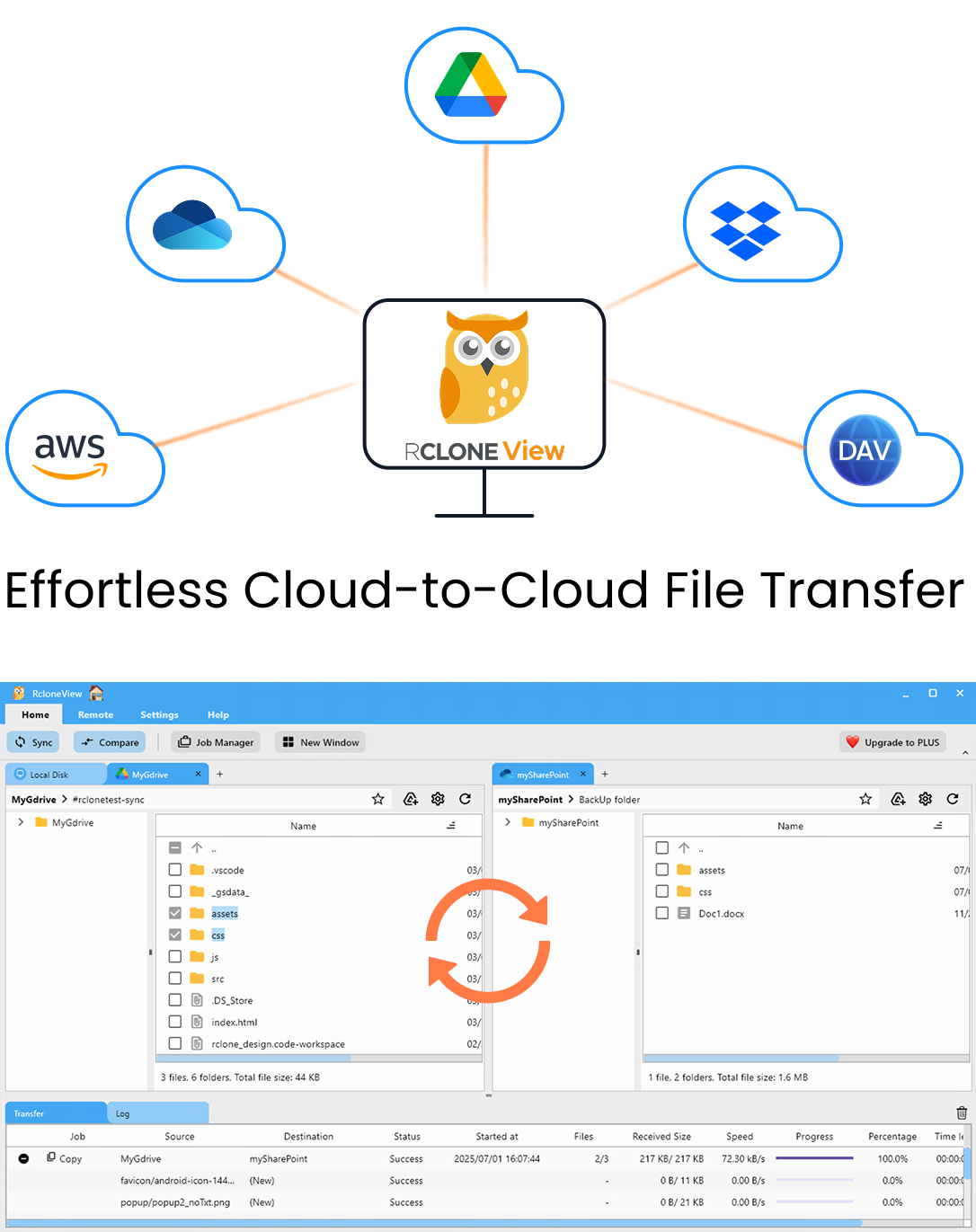
Manage & Sync All Clouds in One Place
RcloneView is a cross-platform GUI for rclone. Compare folders, transfer or sync files, and automate multi-cloud workflows with a clean, visual interface.
- One-click jobs: Copy · Sync · Compare
- Schedulers & history for reliable automation
- Works with Google Drive, OneDrive, Dropbox, S3, WebDAV, SFTP and more
WindowsmacOSLinux
Get Started Free →Free core features. Plus automations available.