Fix macOS Empty Desktop and Documents Folders — Permission Fix with RcloneView

· 4 min read
Robin
Developer Advocate

If RcloneView shows your Mac's Desktop, Documents, or Downloads folder as empty, it's almost always a macOS privacy permission that hasn't been granted yet — not a sync problem.

Since Catalina, macOS locks Desktop, Documents, and Downloads behind Privacy & Security permissions, and any app that wants to read them — including RcloneView when it's browsing local folders as a sync source — has to be explicitly approved. Users setting up their first local-to-cloud backup job often hit this: the folder tree loads, but the file list stays empty even though the files are clearly on disk. RcloneView connects to and syncs 90+ cloud providers, but this particular issue lives entirely on the macOS side, and it's a two-minute fix.

RcloneView app preview

Manage & Sync All Clouds in One Place

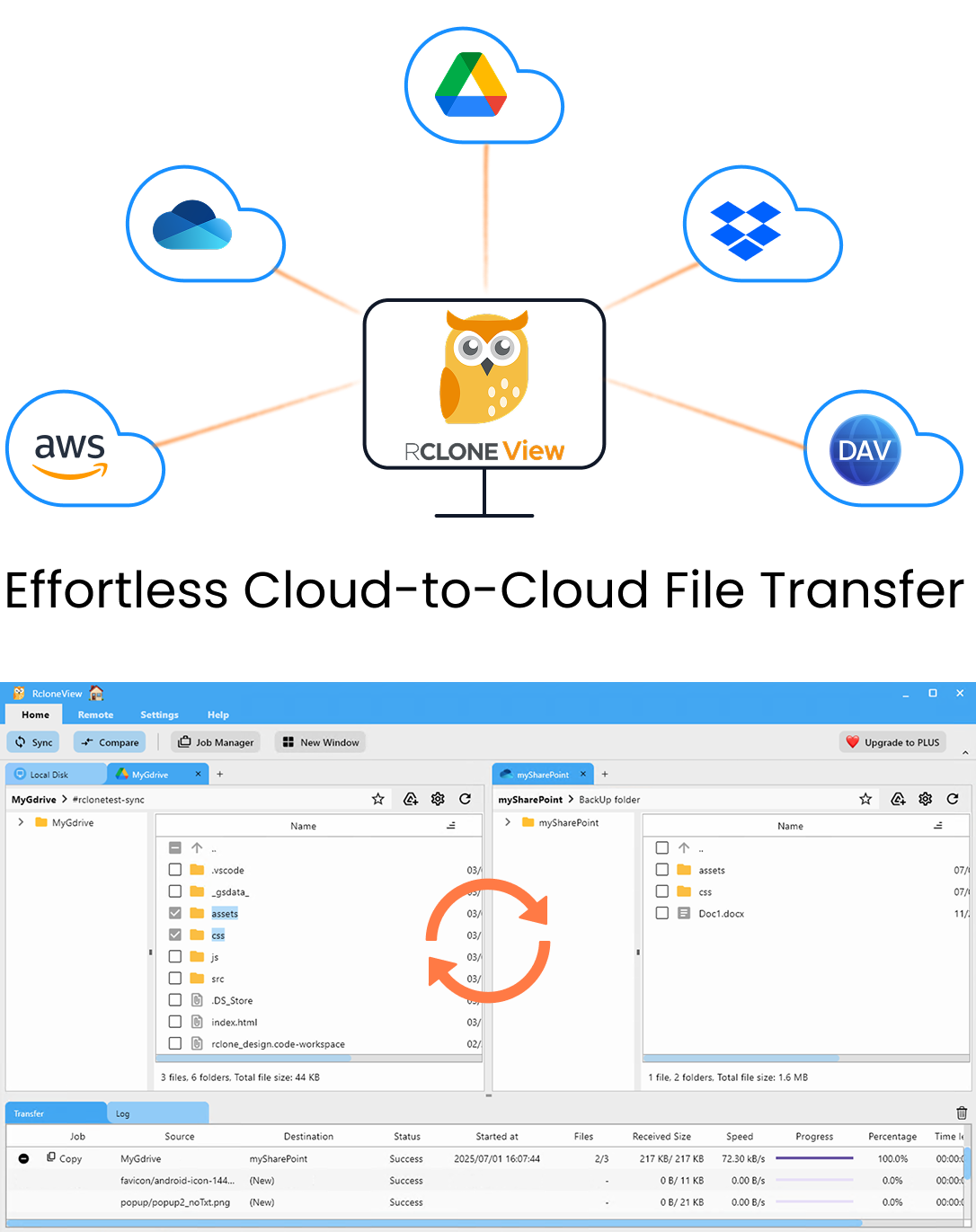
RcloneView is a cross-platform GUI for rclone. Compare folders, transfer or sync files, and automate multi-cloud workflows with a clean, visual interface.

  • One-click jobs: Copy · Sync · Compare
  • Schedulers & history for reliable automation
  • Works with Google Drive, OneDrive, Dropbox, S3, WebDAV, SFTP and more
WindowsmacOSLinux
Get Started Free →

Free core features. Plus automations available.

Sync Storj to Backblaze B2 — Cloud Backup with RcloneView

· 4 min read
Alex
Principal Engineer

Keep a redundant, centralized copy of your Storj decentralized storage data on Backblaze B2 with RcloneView — one job, two very different storage architectures.

Storj spreads encrypted file shards across an independent node network, which is great for censorship resistance and cost, but it also means teams often want a conventional, centrally-hosted backup as a second layer of protection. Backblaze B2 fills that role well: a standard S3-compatible bucket with straightforward retrieval. RcloneView connects to both through its S3-compatible remote support and moves data between them directly, without a local staging drive.

RcloneView app preview

Manage & Sync All Clouds in One Place

RcloneView is a cross-platform GUI for rclone. Compare folders, transfer or sync files, and automate multi-cloud workflows with a clean, visual interface.

  • One-click jobs: Copy · Sync · Compare
  • Schedulers & history for reliable automation
  • Works with Google Drive, OneDrive, Dropbox, S3, WebDAV, SFTP and more
WindowsmacOSLinux
Get Started Free →

Free core features. Plus automations available.

Cloud Storage for Museums and Archives — Digital Preservation with RcloneView

· 4 min read
Morgan
Staff Engineer

Digitized collections deserve more than a single backup — RcloneView keeps archival masters verified and mirrored across independent cloud providers.

A museum digitization project doesn't end when a scan hits a hard drive. High-resolution TIFFs of paintings, oral history recordings, and scanned manuscript pages need to survive for decades, which means at least one geographically separate copy and a way to prove, later, that the files haven't quietly degraded. Archives and small museum IT teams rarely have budget for a dedicated digital asset management platform, so RcloneView fills that role instead — a desktop GUI for pushing preservation masters to cloud storage, verifying integrity, and keeping working copies in sync without hand-rolled scripts.

RcloneView app preview

Manage & Sync All Clouds in One Place

RcloneView is a cross-platform GUI for rclone. Compare folders, transfer or sync files, and automate multi-cloud workflows with a clean, visual interface.

  • One-click jobs: Copy · Sync · Compare
  • Schedulers & history for reliable automation
  • Works with Google Drive, OneDrive, Dropbox, S3, WebDAV, SFTP and more
WindowsmacOSLinux
Get Started Free →

Free core features. Plus automations available.

Manage Leviia Object Storage — Sync and Backup Files with RcloneView

· 3 min read
Casey
Product Manager

Browse, sync, and back up Leviia's S3-compatible object storage from the same window you use for every other cloud.

Leviia offers S3-compatible object storage hosted in Europe, which makes it a common pick for teams that want data residency guarantees without giving up the tooling that already works with S3. The tradeoff is that S3-compatible providers rarely ship a polished desktop client of their own, leaving users to script uploads or juggle a bare CLI. RcloneView removes that friction by treating Leviia like any other remote — full file browsing, drag-and-drop transfers, and scheduled sync jobs, no commands required.

RcloneView app preview

Manage & Sync All Clouds in One Place

RcloneView is a cross-platform GUI for rclone. Compare folders, transfer or sync files, and automate multi-cloud workflows with a clean, visual interface.

  • One-click jobs: Copy · Sync · Compare
  • Schedulers & history for reliable automation
  • Works with Google Drive, OneDrive, Dropbox, S3, WebDAV, SFTP and more
WindowsmacOSLinux
Get Started Free →

Free core features. Plus automations available.

Manage StackPath Object Storage — Sync and Backup Files with RcloneView

· 3 min read
Jay
Tech Writer

Browse, sync, and back up StackPath's S3-compatible object storage from the same window you use for every other cloud.

StackPath object storage exposes an S3-compatible API, which means it plays well with rclone-based tools but rarely comes with a dedicated desktop GUI. Teams end up scripting uploads or juggling separate CLI sessions just to check what's in a bucket. RcloneView closes that gap by treating StackPath like any other remote — full file browsing, drag-and-drop transfers, and scheduled jobs, without writing a single command.

RcloneView app preview

Manage & Sync All Clouds in One Place

RcloneView is a cross-platform GUI for rclone. Compare folders, transfer or sync files, and automate multi-cloud workflows with a clean, visual interface.

  • One-click jobs: Copy · Sync · Compare
  • Schedulers & history for reliable automation
  • Works with Google Drive, OneDrive, Dropbox, S3, WebDAV, SFTP and more
WindowsmacOSLinux
Get Started Free →

Free core features. Plus automations available.

Migrate pCloud to Proton Drive — Transfer Files with RcloneView

· 3 min read
Steve
Senior Engineer

Move your files between two privacy-focused cloud providers directly, without routing everything through a local hard drive first.

Users switching from pCloud to Proton Drive usually do it for the same reason: they want end-to-end encrypted storage tied to a privacy-first provider. The problem is that neither service talks to the other natively, so the default approach is downloading everything from pCloud and re-uploading it to Proton Drive — slow, and it doubles your local disk usage for no reason. RcloneView connects both remotes in one window and transfers cloud-to-cloud directly.

RcloneView app preview

Manage & Sync All Clouds in One Place

RcloneView is a cross-platform GUI for rclone. Compare folders, transfer or sync files, and automate multi-cloud workflows with a clean, visual interface.

  • One-click jobs: Copy · Sync · Compare
  • Schedulers & history for reliable automation
  • Works with Google Drive, OneDrive, Dropbox, S3, WebDAV, SFTP and more
WindowsmacOSLinux
Get Started Free →

Free core features. Plus automations available.

Fix VFS Cache Disk Full Errors — Manage Mount Cache with RcloneView

· 4 min read
Robin
Developer Advocate

A mounted cloud drive filling up your local disk usually means the cache mode is set higher than your workflow needs — here's how to diagnose and fix it in RcloneView.

Mounting cloud storage as a local drive relies on a VFS (Virtual File System) cache to make reads and writes fast and reliable, but that cache lives on your local disk and can quietly consume gigabytes if it's misconfigured. When a mount stops accepting writes or the OS reports a full disk even though your cloud storage has plenty of room, the VFS cache — not the remote — is almost always the culprit. RcloneView exposes every relevant cache setting directly in the mount configuration screen, so fixing this doesn't require editing an rclone config file by hand.

RcloneView app preview

Manage & Sync All Clouds in One Place

RcloneView is a cross-platform GUI for rclone. Compare folders, transfer or sync files, and automate multi-cloud workflows with a clean, visual interface.

  • One-click jobs: Copy · Sync · Compare
  • Schedulers & history for reliable automation
  • Works with Google Drive, OneDrive, Dropbox, S3, WebDAV, SFTP and more
WindowsmacOSLinux
Get Started Free →

Free core features. Plus automations available.

Manage SeaweedFS Storage — Sync and Backup Files with RcloneView

· 4 min read
Alex
Principal Engineer

Turn your self-hosted SeaweedFS cluster into a mountable drive and a first-class sync target, without touching a terminal.

SeaweedFS is a fast distributed storage system that exposes an S3-compatible gateway, making it a popular choice for teams that want object storage on their own hardware instead of a public cloud bill. The catch is that most SeaweedFS deployments are managed entirely through configuration files and CLI commands. RcloneView closes that gap by treating your SeaweedFS gateway like any other S3-compatible remote, giving you a visual file browser, drag-and-drop transfers, and scheduled backups on top of your existing cluster.

RcloneView app preview

Manage & Sync All Clouds in One Place

RcloneView is a cross-platform GUI for rclone. Compare folders, transfer or sync files, and automate multi-cloud workflows with a clean, visual interface.

  • One-click jobs: Copy · Sync · Compare
  • Schedulers & history for reliable automation
  • Works with Google Drive, OneDrive, Dropbox, S3, WebDAV, SFTP and more
WindowsmacOSLinux
Get Started Free →

Free core features. Plus automations available.

Fix Koofr Sync Errors — Troubleshoot and Resolve with RcloneView

· 4 min read
Morgan
Staff Engineer

Koofr sync jobs stalling, failing to authenticate, or silently skipping files? RcloneView gives you the visibility and controls to diagnose and resolve the problem quickly.

Koofr is a solid European cloud storage option, but like any provider, sync jobs can run into authentication hiccups, quota limits, or transfer errors that leave you wondering what went wrong. RcloneView's Job History, Log tab, and Dry Run tools make it straightforward to pinpoint the cause instead of guessing. This guide walks through the most common Koofr sync errors and how to fix each one from inside RcloneView.

RcloneView app preview

Manage & Sync All Clouds in One Place

RcloneView is a cross-platform GUI for rclone. Compare folders, transfer or sync files, and automate multi-cloud workflows with a clean, visual interface.

  • One-click jobs: Copy · Sync · Compare
  • Schedulers & history for reliable automation
  • Works with Google Drive, OneDrive, Dropbox, S3, WebDAV, SFTP and more
WindowsmacOSLinux
Get Started Free →

Free core features. Plus automations available.

Memory Remote — RAM-Based Temporary Storage in RcloneView

· 4 min read
Casey
Product Manager

Need a scratch space that disappears the moment you close it? RcloneView's Memory virtual remote gives you RAM-based storage for testing sync jobs and staging transfers without touching disk.

Among RcloneView's virtual remotes — Alias, Crypt, Cache, Chunker, Combine, Union, Hasher, and Compress — Memory stands apart: it stores data entirely in RAM for the life of the session, with nothing written to disk and nothing left behind on exit. That makes it a practical tool for testing sync configurations, validating filter rules, or staging small transfers before they hit a real cloud destination. This guide covers when and how to use it inside RcloneView.

RcloneView app preview

Manage & Sync All Clouds in One Place

RcloneView is a cross-platform GUI for rclone. Compare folders, transfer or sync files, and automate multi-cloud workflows with a clean, visual interface.

  • One-click jobs: Copy · Sync · Compare
  • Schedulers & history for reliable automation
  • Works with Google Drive, OneDrive, Dropbox, S3, WebDAV, SFTP and more
WindowsmacOSLinux
Get Started Free →

Free core features. Plus automations available.