
Track Cloud Transfers with Job History and Logs — Monitor Every Sync and Backup in RcloneView

· 4 min read
Tayson
Senior Engineer

You scheduled a backup last week. Did it actually run? Did it complete successfully? How many files were transferred? Without job history, you're guessing. With RcloneView, every job leaves a trail.

Setting up cloud sync is the first step. Knowing it works reliably is the second — and arguably more important. RcloneView's job history tracks every execution: when it ran, how long it took, how many files transferred, and whether errors occurred.
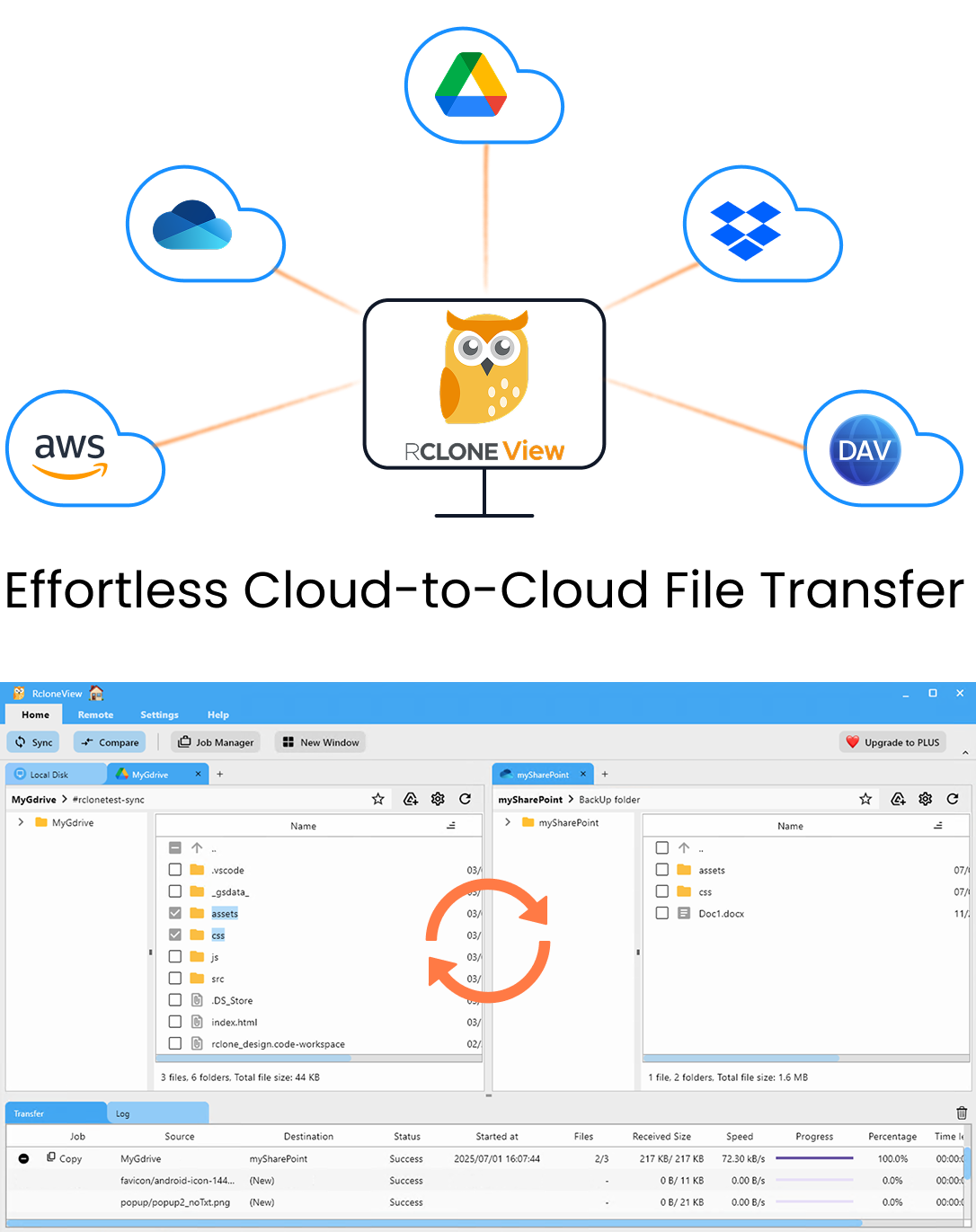
RcloneView app preview

Manage & Sync All Clouds in One Place

RcloneView is a cross-platform GUI for rclone. Compare folders, transfer or sync files, and automate multi-cloud workflows with a clean, visual interface.

  • One-click jobs: Copy · Sync · Compare
  • Schedulers & history for reliable automation
  • Works with Google Drive, OneDrive, Dropbox, S3, WebDAV, SFTP and more
WindowsmacOSLinux
Get Started Free →

Free core features. Plus automations available.

How to Make AWS S3 Files Accessible via Google Drive — Sync S3 Buckets for Team Collaboration

· 3 min read
Tayson
Senior Engineer

Your developers store everything in S3 buckets. Your marketing team uses Google Drive. When marketing needs a file from S3, they ask a developer to download and share it. There's a better way.

AWS S3 is powerful and cost-effective, but it's designed for developers. The AWS Console isn't user-friendly for non-technical team members, and sharing individual S3 objects requires generating presigned URLs. By syncing selected S3 folders to Google Drive, everyone can access the files they need without AWS credentials.

RcloneView app preview

Manage & Sync All Clouds in One Place

RcloneView is a cross-platform GUI for rclone. Compare folders, transfer or sync files, and automate multi-cloud workflows with a clean, visual interface.

  • One-click jobs: Copy · Sync · Compare
  • Schedulers & history for reliable automation
  • Works with Google Drive, OneDrive, Dropbox, S3, WebDAV, SFTP and more
WindowsmacOSLinux
Get Started Free →

Free core features. Plus automations available.

Sync Seafile Self-Hosted Cloud with Google Drive, S3, and External Storage Using RcloneView

· 3 min read
Tayson
Senior Engineer

Seafile gives you full control over your data with self-hosted cloud storage. But self-hosted doesn't mean self-isolated — RcloneView connects Seafile with 70+ external cloud providers for backup, collaboration, and migration.

Seafile is an open-source file sync and share platform that many organizations run on their own servers. It offers fast sync, file locking, and excellent performance with large files. The challenge: Seafile lives on your infrastructure, and you need off-site backup, cloud collaboration, or a way to migrate data in or out. RcloneView bridges Seafile with the rest of the cloud world.

RcloneView app preview

Manage & Sync All Clouds in One Place

RcloneView is a cross-platform GUI for rclone. Compare folders, transfer or sync files, and automate multi-cloud workflows with a clean, visual interface.

  • One-click jobs: Copy · Sync · Compare
  • Schedulers & history for reliable automation
  • Works with Google Drive, OneDrive, Dropbox, S3, WebDAV, SFTP and more
WindowsmacOSLinux
Get Started Free →

Free core features. Plus automations available.

Migrate from SugarSync to Google Drive or OneDrive Painlessly with RcloneView

· 3 min read
Tayson
Senior Engineer

SugarSync had its moment, but if you're ready to move on, RcloneView makes migrating to Google Drive or OneDrive simple — with full verification that nothing gets left behind.

SugarSync was once a leading cloud sync service, but many users are looking to move to more widely supported platforms like Google Drive or OneDrive. The challenge is exporting years of data without losing anything. SugarSync doesn't make this easy natively — there's no bulk export tool or cross-cloud migration feature. RcloneView fills this gap.

RcloneView app preview

Manage & Sync All Clouds in One Place

RcloneView is a cross-platform GUI for rclone. Compare folders, transfer or sync files, and automate multi-cloud workflows with a clean, visual interface.

  • One-click jobs: Copy · Sync · Compare
  • Schedulers & history for reliable automation
  • Works with Google Drive, OneDrive, Dropbox, S3, WebDAV, SFTP and more
WindowsmacOSLinux
Get Started Free →

Free core features. Plus automations available.

Migrate Between Wasabi, Backblaze B2, and AWS S3 — S3-Compatible Cloud Migration with RcloneView

· 3 min read
Tayson
Senior Engineer

Found a better deal on S3-compatible storage? Wasabi, Backblaze B2, and AWS S3 all speak the same protocol — migrating between them should be easy. With RcloneView, it is.

S3-compatible storage has become the standard for object storage. When you find a provider with better pricing, more features, or different regional coverage, you shouldn't be locked in. Since Wasabi, Backblaze B2, and AWS S3 all use the S3 API, RcloneView can move data between them seamlessly.

RcloneView app preview

Manage & Sync All Clouds in One Place

RcloneView is a cross-platform GUI for rclone. Compare folders, transfer or sync files, and automate multi-cloud workflows with a clean, visual interface.

  • One-click jobs: Copy · Sync · Compare
  • Schedulers & history for reliable automation
  • Works with Google Drive, OneDrive, Dropbox, S3, WebDAV, SFTP and more
WindowsmacOSLinux
Get Started Free →

Free core features. Plus automations available.

RcloneView vs MSP360 (CloudBerry): Which Cloud Backup Tool Should You Choose?

· 4 min read
Tayson
Senior Engineer

MSP360 (formerly CloudBerry) has been a popular cloud backup tool for years. RcloneView takes a different approach — built on rclone with 70+ cloud providers. Here's how they compare.

Both tools help you manage cloud storage and backups, but they target slightly different use cases. MSP360 focuses on backup and disaster recovery for MSPs (Managed Service Providers). RcloneView focuses on multi-cloud file management with visual tools. The overlap is significant, but the differences matter.

RcloneView app preview

Manage & Sync All Clouds in One Place

RcloneView is a cross-platform GUI for rclone. Compare folders, transfer or sync files, and automate multi-cloud workflows with a clean, visual interface.

  • One-click jobs: Copy · Sync · Compare
  • Schedulers & history for reliable automation
  • Works with Google Drive, OneDrive, Dropbox, S3, WebDAV, SFTP and more
WindowsmacOSLinux
Get Started Free →

Free core features. Plus automations available.

Run RcloneView on Synology NAS — Cloud Backup and Sync from Your NAS

· 4 min read
Tayson
Senior Engineer

Your Synology NAS holds terabytes of irreplaceable data. Synology's built-in Cloud Sync works for basic setups, but when you need multi-cloud management, scheduling, folder comparison, and batch jobs — RcloneView fills the gaps.

Synology NAS devices are excellent for centralized local storage, but their cloud integration has limits. Synology Cloud Sync supports about 20 cloud providers with basic sync. Synology Hyper Backup handles backups but lacks multi-cloud file management. RcloneView complements both with 70+ cloud providers, visual file management, and advanced automation.

RcloneView app preview

Manage & Sync All Clouds in One Place

RcloneView is a cross-platform GUI for rclone. Compare folders, transfer or sync files, and automate multi-cloud workflows with a clean, visual interface.

  • One-click jobs: Copy · Sync · Compare
  • Schedulers & history for reliable automation
  • Works with Google Drive, OneDrive, Dropbox, S3, WebDAV, SFTP and more
WindowsmacOSLinux
Get Started Free →

Free core features. Plus automations available.

Stream and Sync Put.io Media Files to Your NAS or Cloud Drive with RcloneView

· 3 min read
Tayson
Senior Engineer

Put.io is great for cloud downloading, but getting those files organized and onto your NAS or Plex server usually means manual transfers. RcloneView automates the entire pipeline.

Put.io is a popular cloud service that fetches files for you — torrents, direct links, and more — storing them in the cloud for instant streaming. But once files are on Put.io, most users manually download them to a local drive or NAS. RcloneView connects directly to Put.io and automates the entire workflow: sync new downloads to your Synology NAS, Plex library, Google Drive, or any other storage.

RcloneView app preview

Manage & Sync All Clouds in One Place

RcloneView is a cross-platform GUI for rclone. Compare folders, transfer or sync files, and automate multi-cloud workflows with a clean, visual interface.

  • One-click jobs: Copy · Sync · Compare
  • Schedulers & history for reliable automation
  • Works with Google Drive, OneDrive, Dropbox, S3, WebDAV, SFTP and more
WindowsmacOSLinux
Get Started Free →

Free core features. Plus automations available.

Sync vs Copy vs Move — Which Cloud Transfer Operation Should You Use?

· 5 min read
Tayson
Senior Engineer

You want to transfer files between clouds. RcloneView offers Sync, Copy, and Move. They sound similar, but choosing the wrong one can delete files you didn't intend to lose. Here's how each works and when to use it.

This is one of the most important decisions in cloud file management. Each operation has different behavior around what happens to files that exist at the destination but not at the source. Understanding this prevents accidental data loss.

RcloneView app preview

Manage & Sync All Clouds in One Place

RcloneView is a cross-platform GUI for rclone. Compare folders, transfer or sync files, and automate multi-cloud workflows with a clean, visual interface.

  • One-click jobs: Copy · Sync · Compare
  • Schedulers & history for reliable automation
  • Works with Google Drive, OneDrive, Dropbox, S3, WebDAV, SFTP and more
WindowsmacOSLinux
Get Started Free →

Free core features. Plus automations available.

How to Sync Yandex Disk with Google Drive, S3, and Other Clouds Using RcloneView

· 3 min read
Tayson
Senior Engineer

Yandex Disk is one of the most popular cloud storage services in Russia and CIS countries. But if you also use Google Drive, OneDrive, or S3, managing files across platforms is a hassle. RcloneView connects them all.

Yandex Disk offers 10 GB of free storage (expandable to 20 GB+), solid integration with Yandex's ecosystem, and reliable performance in the CIS region. Many users rely on it as their primary storage while also using international providers for work or collaboration. RcloneView lets you manage Yandex Disk alongside 70+ other cloud providers in one interface.

RcloneView app preview

Manage & Sync All Clouds in One Place

RcloneView is a cross-platform GUI for rclone. Compare folders, transfer or sync files, and automate multi-cloud workflows with a clean, visual interface.

  • One-click jobs: Copy · Sync · Compare
  • Schedulers & history for reliable automation
  • Works with Google Drive, OneDrive, Dropbox, S3, WebDAV, SFTP and more
WindowsmacOSLinux
Get Started Free →

Free core features. Plus automations available.