Fix WebDAV Connection and Authentication Errors — Resolve with RcloneView
Diagnose and fix WebDAV connection failures in RcloneView — from wrong URL formats and credential issues to SSL certificate errors and server compatibility problems.
WebDAV is a widely-used protocol for cloud and self-hosted storage: Nextcloud, ownCloud, Seafile, SharePoint (legacy), and many NAS devices expose WebDAV endpoints. When a WebDAV remote in RcloneView fails to connect, the error messages can range from vague network timeouts to specific HTTP 401 or 403 responses. This guide walks through the most common WebDAV issues encountered in RcloneView and how to resolve each one.

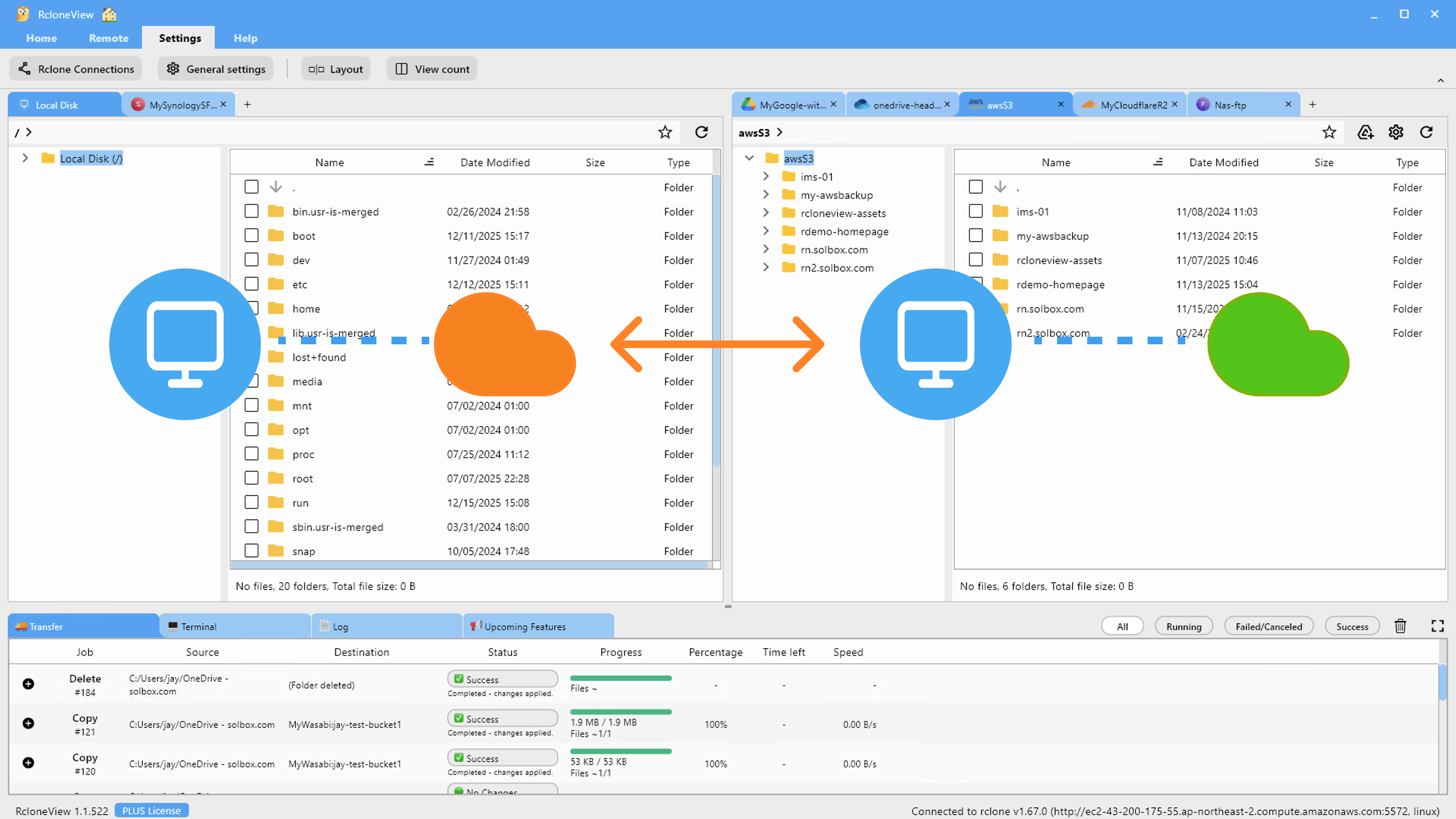
Manage & Sync All Clouds in One Place
RcloneView is a cross-platform GUI for rclone. Compare folders, transfer or sync files, and automate multi-cloud workflows with a clean, visual interface.
- One-click jobs: Copy · Sync · Compare
- Schedulers & history for reliable automation
- Works with Google Drive, OneDrive, Dropbox, S3, WebDAV, SFTP and more
Free core features. Plus automations available.
Check the WebDAV URL Format
The most frequent cause of WebDAV connection failures is an incorrect URL. WebDAV endpoints have specific path requirements that differ by server software:
- Nextcloud/ownCloud:
https://your-server.com/remote.php/dav/files/USERNAME/ - Seafile:
https://your-server.com/seafdav - SharePoint (legacy WebDAV):
https://your-domain.sharepoint.com/sites/sitename/Documents
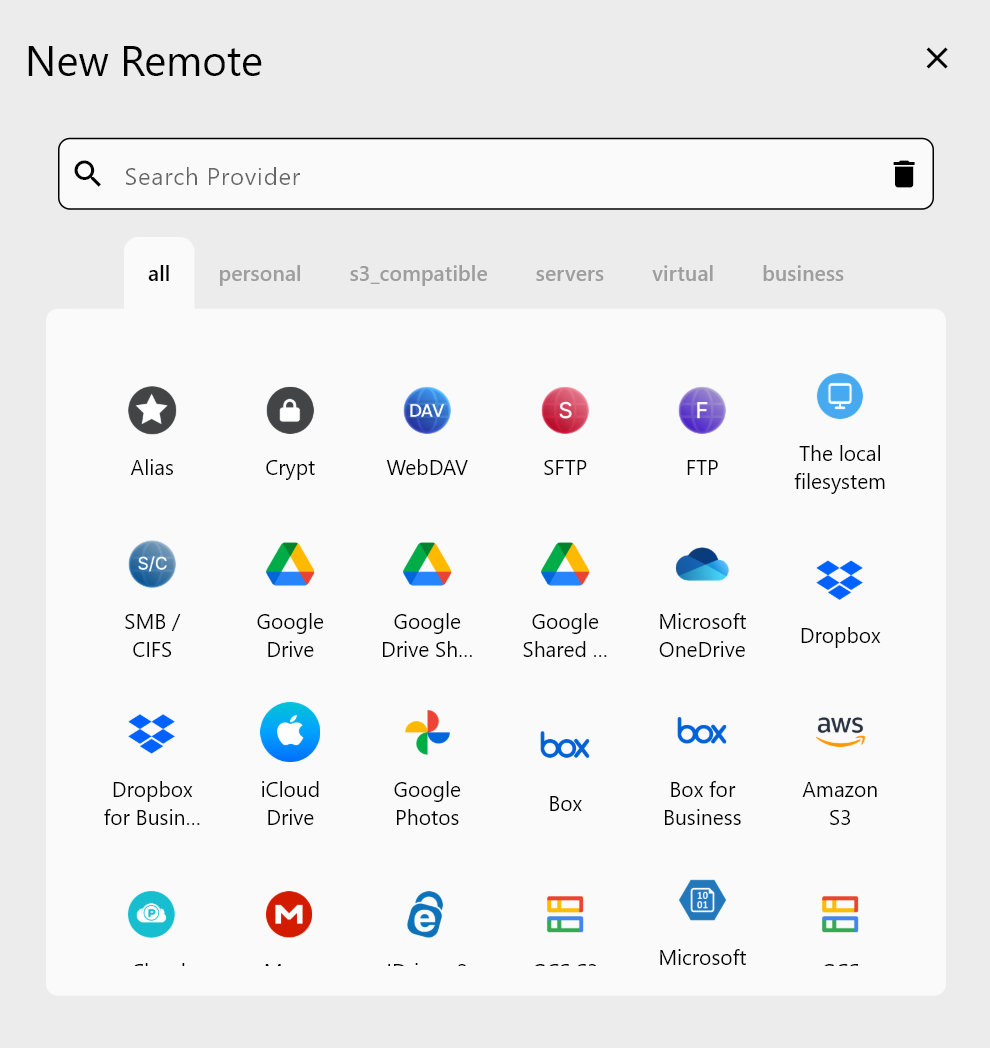
A common mistake is omitting the trailing slash, using the wrong path segment (e.g., /dav instead of /dav/files/username/ for Nextcloud), or using HTTP instead of HTTPS. In RcloneView, edit the WebDAV remote via Remote Manager and verify the URL matches your server's documentation exactly.
Resolve Authentication Failures (HTTP 401/403)
A 401 Unauthorized response means the server rejected your credentials. A 403 Forbidden response means credentials were accepted but the account lacks permission to access the requested path. Steps to address authentication errors:
For 401 errors: Verify your username and password are correct. Some servers (particularly Nextcloud) require an App Password rather than your main account password — generate one in your account's security settings. Confirm there are no trailing spaces in your credentials fields.
For 403 errors: Check that the account has read/write permissions on the target folder. For Nextcloud, verify the sharing or folder access settings. For corporate WebDAV servers, confirm your account has been granted WebDAV access specifically — it may be disabled by default.
Handle SSL Certificate Errors
If your WebDAV server uses a self-signed certificate or an internal CA, RcloneView will refuse the connection with an SSL error by default. Two approaches address this:
Option 1 — Trust the certificate: The preferred approach. Add the server's CA certificate to your system's trusted certificate store, then restart RcloneView.
Option 2 — Disable certificate verification: In RcloneView's Settings > Embedded Rclone > Global Rclone Flags, add --no-check-certificate. This disables certificate verification globally. Use this only in trusted internal network environments.
For connection testing, RcloneView's built-in rclone Terminal (in the Terminal tab) lets you run rclone ls webdavremote: directly to see raw error output, which often provides more diagnostic detail than the GUI error message.
Enable Verbose Logging for Diagnostics
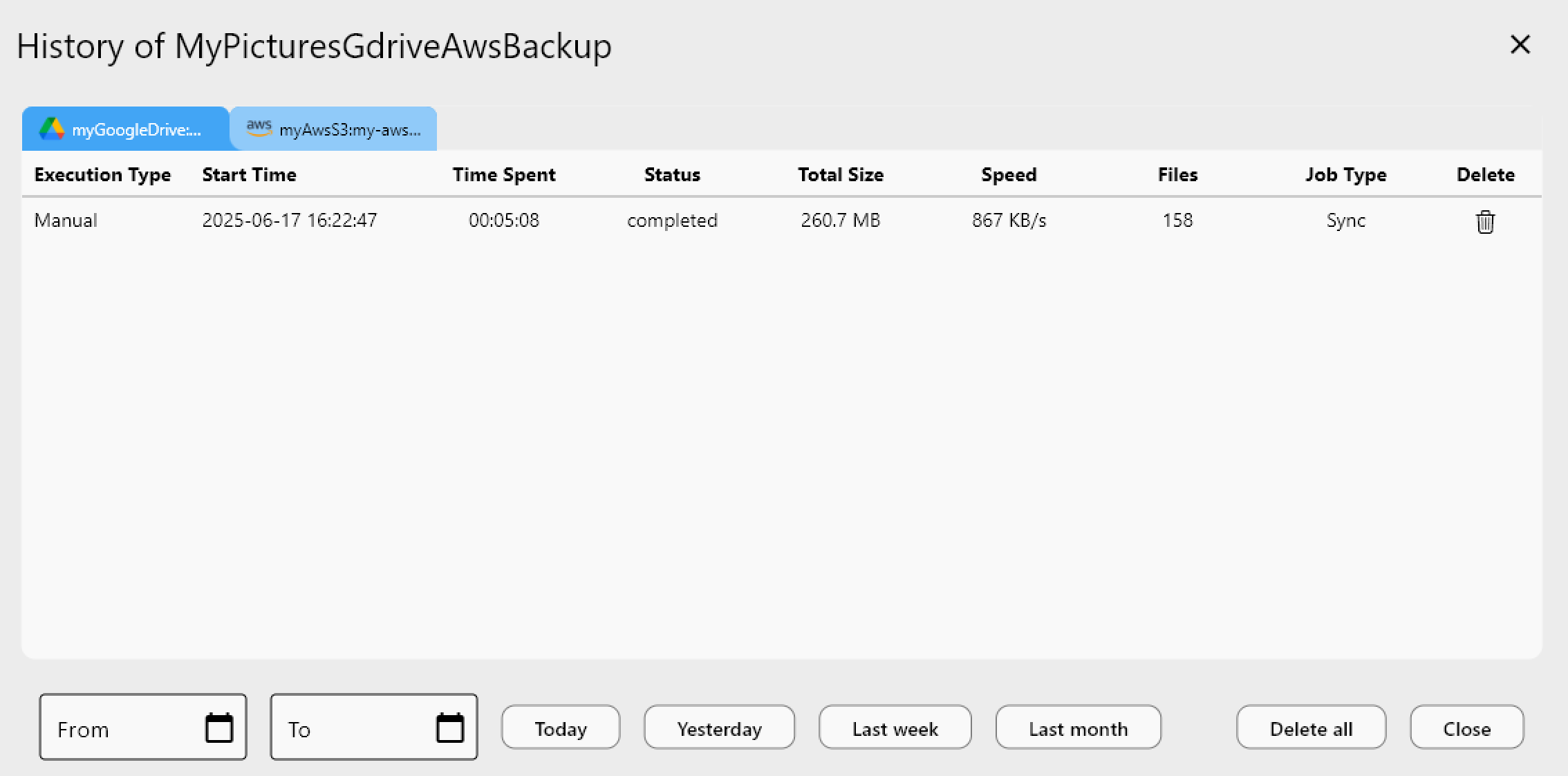
When errors are unclear, enable detailed logging in RcloneView. Go to Settings > Embedded Rclone and check Enable rclone Logging. Set the Log Level to DEBUG for the most verbose output. After restarting the embedded rclone and reproducing the error, the log file captures the full HTTP exchange — request headers, response codes, and error bodies — giving you precise information to diagnose the problem.
Getting Started
- Download RcloneView from rcloneview.com.
- Verify your WebDAV URL format matches your server software's documented endpoint path.
- Confirm you are using the correct credentials (App Password for Nextcloud, not your main password).
- Enable DEBUG logging to capture detailed error information if the issue persists.
Most WebDAV connection errors stem from URL mismatches or credential problems — methodically checking these two areas resolves the majority of cases.
Related Guides:
- Connect a WebDAV Server and Sync Cloud Storage with RcloneView
- Backup Nextcloud and WebDAV Storage with RcloneView
- Troubleshoot Rclone Errors with RcloneView
Supported Cloud Providers