
Sync Google Drive to Koofr — Cloud Backup with RcloneView

· 3 min read
Alex
Principal Engineer

Keep a European-hosted mirror of your Google Drive on Koofr without writing a single rclone command.

Teams with EU-based clients or data residency preferences often want a second copy of their Google Drive content sitting on European infrastructure. Koofr, based in the EU, is a natural fit for that role, but manually re-uploading files after every change isn't sustainable. RcloneView connects both accounts and runs the sync as a saved job, keeping the Koofr copy current without any manual file shuffling.
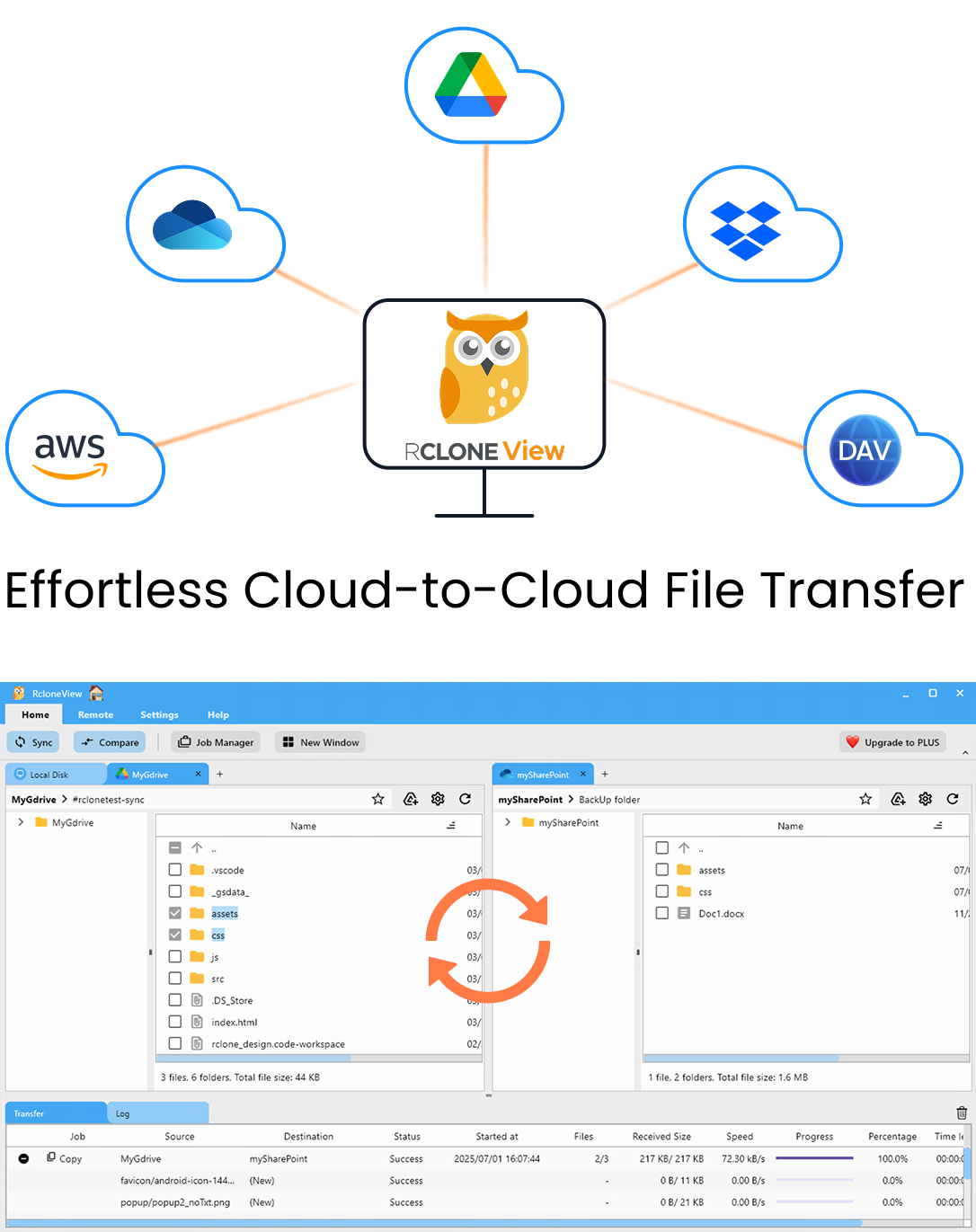
RcloneView app preview

Manage & Sync All Clouds in One Place

RcloneView is a cross-platform GUI for rclone. Compare folders, transfer or sync files, and automate multi-cloud workflows with a clean, visual interface.

  • One-click jobs: Copy · Sync · Compare
  • Schedulers & history for reliable automation
  • Works with Google Drive, OneDrive, Dropbox, S3, WebDAV, SFTP and more
WindowsmacOSLinux
Get Started Free →

Free core features. Plus automations available.

Cloud Storage for Newsrooms — Secure Backup and Sync with RcloneView

· 3 min read
Morgan
Staff Engineer

Reporters, editors, and producers generate footage, interview audio, and documents faster than any single cloud account can safely hold — RcloneView keeps it all backed up, synced, and organized across providers.

A regional newsroom covering a breaking story might have a field reporter uploading raw video to Google Drive, an editor pulling assets into a shared Dropbox folder, and an archive team pushing finished packages to Amazon S3 for long-term retention. Without a tool that speaks to all three at once, that workflow means constant manual downloads and re-uploads, and a real risk of losing footage before it's backed up. RcloneView connects to every cloud these teams already use from one desktop application, so file movement between them becomes a routine job instead of a fire drill.

RcloneView app preview

Manage & Sync All Clouds in One Place

RcloneView is a cross-platform GUI for rclone. Compare folders, transfer or sync files, and automate multi-cloud workflows with a clean, visual interface.

  • One-click jobs: Copy · Sync · Compare
  • Schedulers & history for reliable automation
  • Works with Google Drive, OneDrive, Dropbox, S3, WebDAV, SFTP and more
WindowsmacOSLinux
Get Started Free →

Free core features. Plus automations available.

Migrate iCloud Drive to Dropbox — Transfer Files with RcloneView

· 3 min read
Casey
Product Manager

Moving away from iCloud Drive usually means downloading everything to a Mac first — RcloneView connects to both clouds directly and transfers files without that local detour.

Leaving the Apple ecosystem, switching to a cross-platform team, or simply consolidating storage in Dropbox all lead to the same problem: iCloud Drive doesn't offer a native export to another cloud provider. The typical workaround is downloading the entire library to a local disk and re-uploading it to Dropbox, which doubles the transfer time and eats local disk space you may not have to spare. RcloneView, backed by rclone v1.69+ for iCloud Drive support, connects to both remotes at once and moves files cloud-to-cloud directly.

RcloneView app preview

Manage & Sync All Clouds in One Place

RcloneView is a cross-platform GUI for rclone. Compare folders, transfer or sync files, and automate multi-cloud workflows with a clean, visual interface.

  • One-click jobs: Copy · Sync · Compare
  • Schedulers & history for reliable automation
  • Works with Google Drive, OneDrive, Dropbox, S3, WebDAV, SFTP and more
WindowsmacOSLinux
Get Started Free →

Free core features. Plus automations available.

Fix Linode Object Storage Connection Errors — Resolve with RcloneView

· 3 min read
Tayson
Senior Engineer

Connection failures to Linode Object Storage are almost always a mismatched endpoint or region, not a broken account — here's how to diagnose and fix them in RcloneView.

Linode Object Storage is accessed through rclone's S3-compatible protocol, which means the remote needs an exact Access Key, Secret Key, and regional endpoint to authenticate correctly. A single typo in the endpoint URL, or a bucket created in a different cluster than the one configured, produces connection errors that look like generic network failures rather than what they actually are: a mismatch. RcloneView surfaces these errors in the Log tab, making it far easier to pinpoint the cause than reading raw rclone CLI output.

RcloneView app preview

Manage & Sync All Clouds in One Place

RcloneView is a cross-platform GUI for rclone. Compare folders, transfer or sync files, and automate multi-cloud workflows with a clean, visual interface.

  • One-click jobs: Copy · Sync · Compare
  • Schedulers & history for reliable automation
  • Works with Google Drive, OneDrive, Dropbox, S3, WebDAV, SFTP and more
WindowsmacOSLinux
Get Started Free →

Free core features. Plus automations available.

Migrate Backblaze B2 to DigitalOcean Spaces — Transfer Files with RcloneView

· 3 min read
Kai
Junior Engineer

Moving object storage between two S3-compatible providers doesn't require scripting rclone commands by hand — RcloneView handles the transfer, verification, and filtering through its GUI.

Teams switching from Backblaze B2 to DigitalOcean Spaces usually do so to consolidate infrastructure onto a single provider alongside existing Droplets or App Platform services. Since both are S3-compatible remotes, RcloneView can connect to each with an Access Key, Secret Key, and endpoint, then transfer data directly between them without routing files through a local disk first. For buckets holding hundreds of gigabytes of application backups or media assets, that direct cloud-to-cloud path saves significant time compared to a download-then-upload workflow.

RcloneView app preview

Manage & Sync All Clouds in One Place

RcloneView is a cross-platform GUI for rclone. Compare folders, transfer or sync files, and automate multi-cloud workflows with a clean, visual interface.

  • One-click jobs: Copy · Sync · Compare
  • Schedulers & history for reliable automation
  • Works with Google Drive, OneDrive, Dropbox, S3, WebDAV, SFTP and more
WindowsmacOSLinux
Get Started Free →

Free core features. Plus automations available.

Cloud Storage for Staffing & Recruiting Agencies — Manage Candidate Files with RcloneView

· 3 min read
Jay
Tech Writer

Staffing agencies live and die by how fast they can find, share, and protect candidate files — RcloneView keeps every resume, contract, and background check organized across clouds.

A staffing or recruiting agency generates a constant stream of documents: resumes, offer letters, signed contracts, background check reports, timesheets, and client intake forms. Multiply that across branch offices or recruiters who each favor a different cloud provider, and file sprawl becomes a daily operational risk. RcloneView gives agencies a single window to browse, transfer, and back up candidate files across every cloud account in use, without forcing a migration to one provider.

RcloneView app preview

Manage & Sync All Clouds in One Place

RcloneView is a cross-platform GUI for rclone. Compare folders, transfer or sync files, and automate multi-cloud workflows with a clean, visual interface.

  • One-click jobs: Copy · Sync · Compare
  • Schedulers & history for reliable automation
  • Works with Google Drive, OneDrive, Dropbox, S3, WebDAV, SFTP and more
WindowsmacOSLinux
Get Started Free →

Free core features. Plus automations available.

Find the Biggest Changes — Folder Compare Size Discovery in RcloneView

· 4 min read
Steve
Senior Engineer

When a cloud tree has thousands of subfolders, spotting which ones actually changed is the hard part — RcloneView's size discovery tools find them for you.

Anyone managing a large multi-cloud archive knows the real problem isn't running a comparison — it's reading the results. A folder tree with a few thousand subfolders can produce a comparison report too long to scan manually. RcloneView's Folder Compare view includes dedicated size-change discovery controls that jump straight to the folders worth investigating, instead of forcing you to scroll through an undifferentiated file list.

RcloneView app preview

Manage & Sync All Clouds in One Place

RcloneView is a cross-platform GUI for rclone. Compare folders, transfer or sync files, and automate multi-cloud workflows with a clean, visual interface.

  • One-click jobs: Copy · Sync · Compare
  • Schedulers & history for reliable automation
  • Works with Google Drive, OneDrive, Dropbox, S3, WebDAV, SFTP and more
WindowsmacOSLinux
Get Started Free →

Free core features. Plus automations available.

Manage Box for Business Storage — Sync and Backup Files with RcloneView

· 4 min read
Robin
Developer Advocate

Connect a Box for Business enterprise account to RcloneView and browse, sync, and back up shared company folders next to every other cloud you manage.

Box for Business accounts organize content around enterprise-managed folders rather than a single personal account, which means the standard Box connection needs one extra setting before it behaves correctly. RcloneView handles this directly, giving IT admins a single window to browse, transfer, and protect enterprise Box content instead of switching between the Box web app and a separate sync client.

RcloneView app preview

Manage & Sync All Clouds in One Place

RcloneView is a cross-platform GUI for rclone. Compare folders, transfer or sync files, and automate multi-cloud workflows with a clean, visual interface.

  • One-click jobs: Copy · Sync · Compare
  • Schedulers & history for reliable automation
  • Works with Google Drive, OneDrive, Dropbox, S3, WebDAV, SFTP and more
WindowsmacOSLinux
Get Started Free →

Free core features. Plus automations available.

Migrate OpenDrive to OneDrive — Transfer Files with RcloneView

· 4 min read
Alex
Principal Engineer

Move an OpenDrive account's files straight into Microsoft OneDrive with RcloneView, without routing anything through a local download-then-upload step.

Consolidating storage onto fewer providers is a common reason to leave OpenDrive behind, especially for teams already standardized on Microsoft 365 for collaboration. RcloneView connects to both services in the same window and transfers data directly between them, so the migration doesn't depend on filling up local disk space with a temporary copy of everything first.

RcloneView app preview

Manage & Sync All Clouds in One Place

RcloneView is a cross-platform GUI for rclone. Compare folders, transfer or sync files, and automate multi-cloud workflows with a clean, visual interface.

  • One-click jobs: Copy · Sync · Compare
  • Schedulers & history for reliable automation
  • Works with Google Drive, OneDrive, Dropbox, S3, WebDAV, SFTP and more
WindowsmacOSLinux
Get Started Free →

Free core features. Plus automations available.

Fix Seafile Sync Errors — Troubleshooting Guide with RcloneView

· 4 min read
Morgan
Staff Engineer

When a Seafile sync job in RcloneView stalls, errors out, or skips files, the fix is usually a library permission, retry, or filter setting away.

Seafile's library-based structure — with encrypted libraries, shared libraries, and per-library permissions — trips up sync jobs in ways that flatter cloud storage rarely does. RcloneView surfaces these failures in the Job History and Log tabs, but knowing what each error actually means saves time compared to guessing. This guide walks through the Seafile sync problems reported most often and how to resolve them from inside RcloneView.

RcloneView app preview

Manage & Sync All Clouds in One Place

RcloneView is a cross-platform GUI for rclone. Compare folders, transfer or sync files, and automate multi-cloud workflows with a clean, visual interface.

  • One-click jobs: Copy · Sync · Compare
  • Schedulers & history for reliable automation
  • Works with Google Drive, OneDrive, Dropbox, S3, WebDAV, SFTP and more
WindowsmacOSLinux
Get Started Free →

Free core features. Plus automations available.