Migrate SFTP to Google Drive — Transfer Files with RcloneView

Retire an aging SFTP server without losing a single file, using RcloneView to move everything straight to Google Drive.
Many teams still run an internal SFTP server for file drops, but maintaining SSH credentials, firewall rules, and disk space on that box gets expensive compared to letting Google Drive handle storage and sharing. RcloneView connects to both an SFTP host and Google Drive in the same window, so you can browse, compare, and transfer between them without touching a terminal. It's a practical first step for a small IT team migrating a legacy file server before decommissioning the hardware for good.
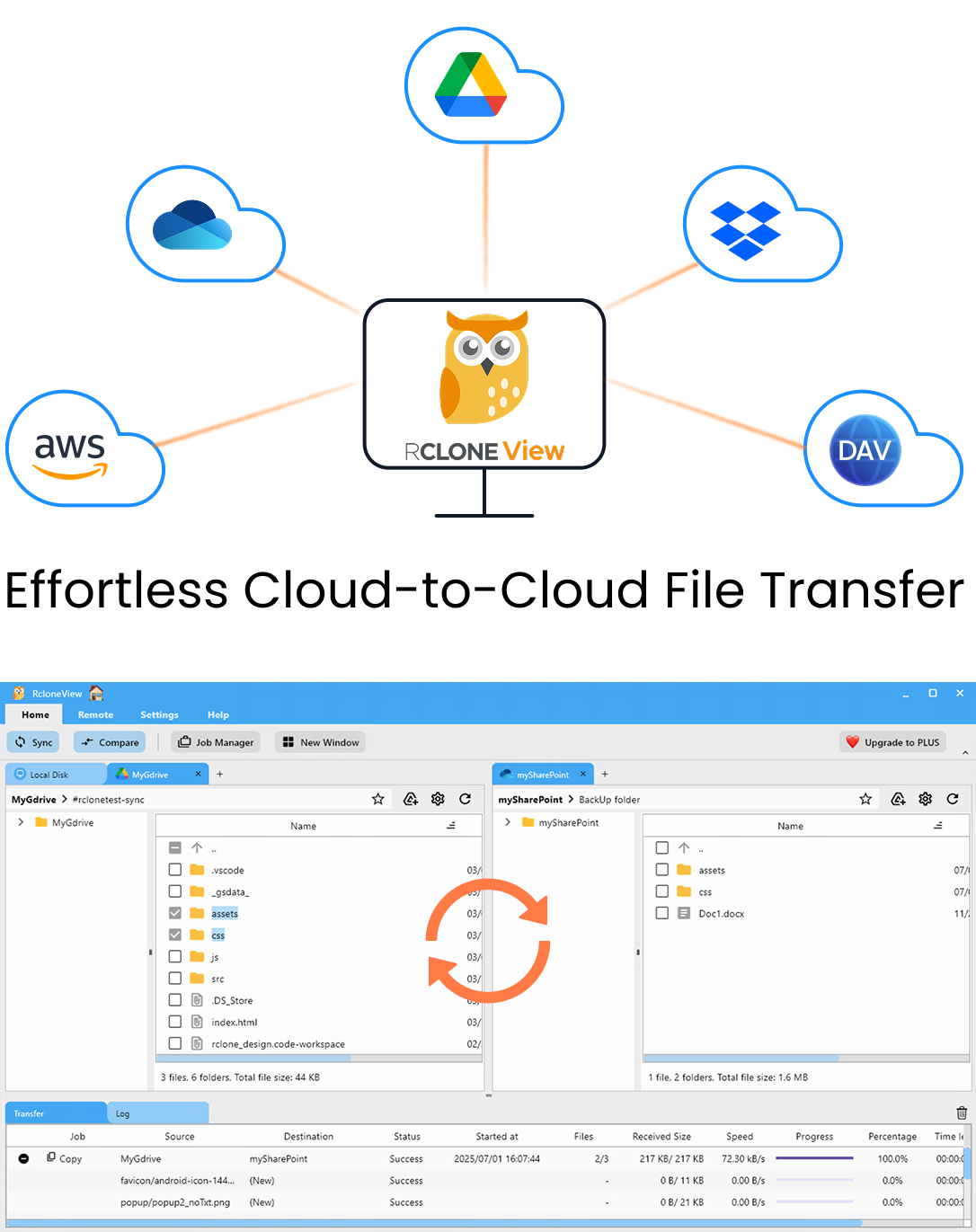
Manage & Sync All Clouds in One Place
RcloneView is a cross-platform GUI for rclone. Compare folders, transfer or sync files, and automate multi-cloud workflows with a clean, visual interface.
- One-click jobs: Copy · Sync · Compare
- Schedulers & history for reliable automation
- Works with Google Drive, OneDrive, Dropbox, S3, WebDAV, SFTP and more
Free core features. Plus automations available.


