Cloud Storage for Insurance Industry — Secure File Management with RcloneView
Insurance companies managing policy documents, claims files, and actuarial data across multiple cloud platforms can use RcloneView to unify storage, automate backups, and maintain compliance-ready file management.
Insurance organizations generate and manage enormous volumes of documentation: policy contracts, claims submissions, underwriting assessments, actuarial models, and regulatory filings. These files are distributed across multiple cloud platforms — SharePoint for internal collaboration, Amazon S3 for long-term archiving, OneDrive for agent portals — and keeping them synchronized and protected requires a consistent management approach. RcloneView, a GUI client built on rclone, connects 90+ cloud storage services from a single interface, giving insurance IT teams a centralized tool for cross-cloud file management.

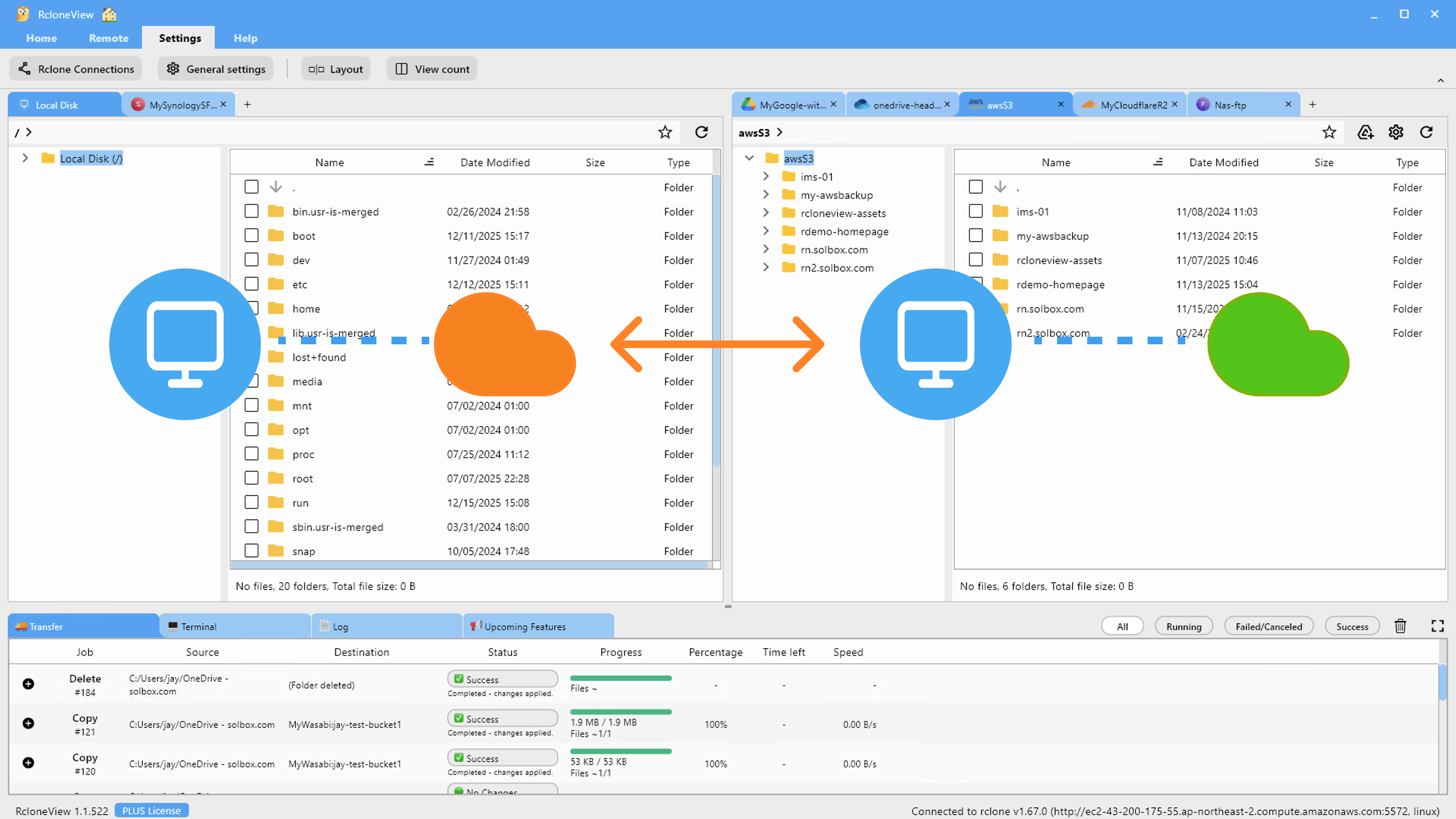
Manage & Sync All Clouds in One Place
RcloneView is a cross-platform GUI for rclone. Compare folders, transfer or sync files, and automate multi-cloud workflows with a clean, visual interface.
- One-click jobs: Copy · Sync · Compare
- Schedulers & history for reliable automation
- Works with Google Drive, OneDrive, Dropbox, S3, WebDAV, SFTP and more
Free core features. Plus automations available.
Managing Claims and Policy Document Workflows
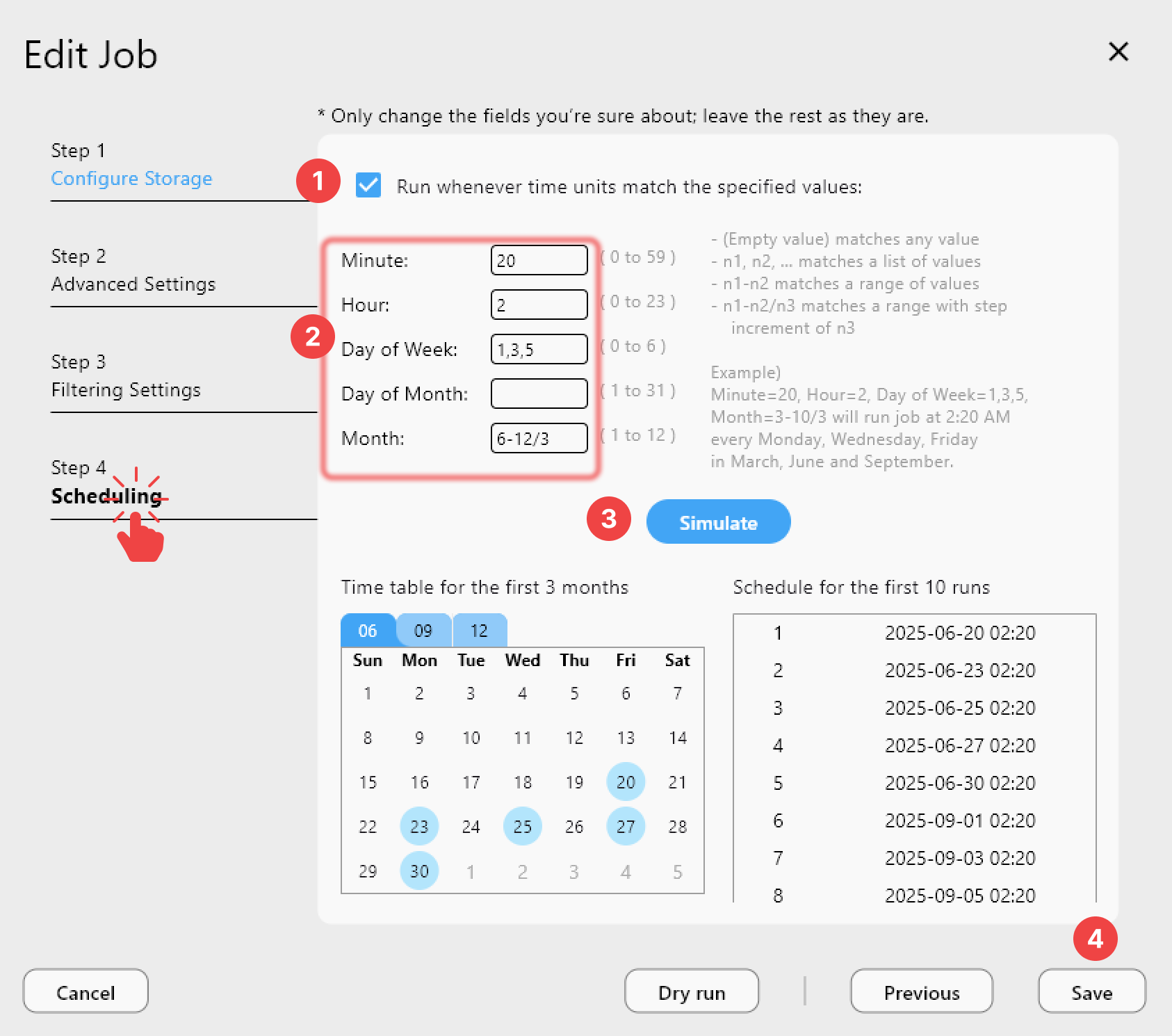
A regional insurance carrier might store active policy documents in OneDrive for Microsoft 365 integration, while archiving closed claims to Amazon S3 Glacier for cost-effective long-term retention. RcloneView makes it straightforward to set up jobs that mirror active OneDrive folders to S3 on a scheduled basis — keeping archived records current without manual intervention.
The 4-step sync wizard handles the job configuration: select your OneDrive source folder, choose the S3 destination bucket, configure file transfer options, and add filtering rules to control what gets archived. File-age filters let you automatically route files older than 12 months to the archive bucket, while keeping recent claim files in the active workspace.
Backup for Regulatory Compliance
Insurance companies operate under strict regulatory frameworks — state insurance department requirements, GDPR for European operations, and internal audit standards that require documented evidence of data protection practices. RcloneView's Job History provides a persistent log of every sync execution: timestamp, duration, file count, total data transferred, and completion status.
For compliance documentation, this history shows regulators that backup jobs ran as scheduled and what was transferred. Combined with encryption support via rclone Crypt (which adds client-side encryption to any cloud remote), insurance firms can protect sensitive policyholder data with an additional layer of encryption before it reaches the cloud.
Multi-Office File Synchronization
Insurance companies with regional offices often have distributed file storage — each office or department maintaining its own cloud storage. RcloneView's 1:N sync feature lets you synchronize one source to multiple destinations simultaneously. A corporate headquarters can push updated policy templates or compliance documents from a central SharePoint library to multiple regional OneDrive accounts or S3 buckets in a single job run, ensuring all offices work from the same document versions.
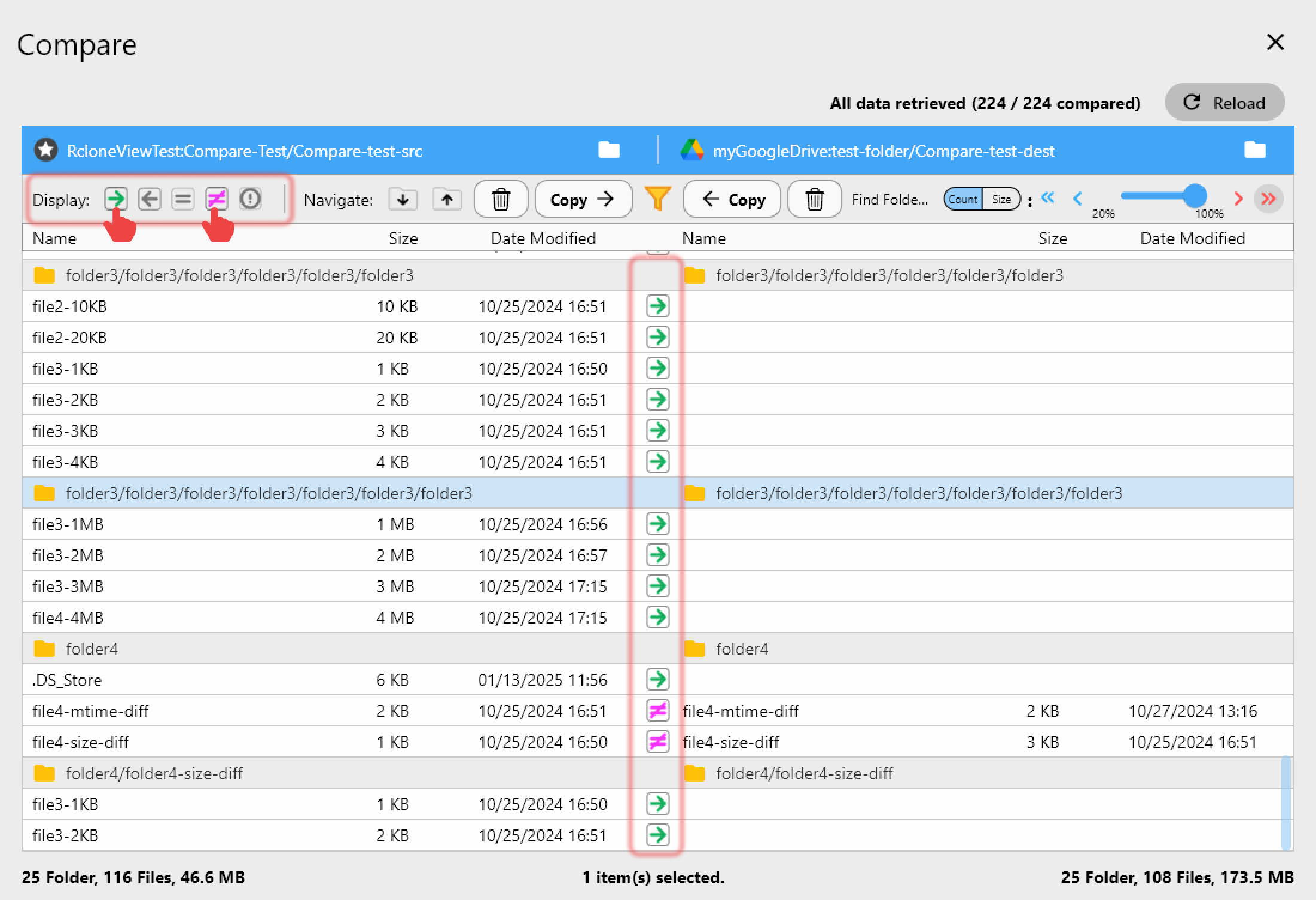
Folder Compare helps detect discrepancies between regional file stores: compare the headquarters source against a regional copy to identify files that are out of date or missing, then selectively copy only the differing items.
Getting Started
- Download RcloneView from rcloneview.com.
- Connect your insurance organization's cloud platforms — SharePoint, OneDrive, Amazon S3 — as remotes.
- Create scheduled sync jobs to archive closed claims and policy documents to long-term storage automatically.
- Use Job History logs as documentation of your backup schedule for compliance audits.
Insurance organizations that manage cloud storage through RcloneView gain an auditable, GUI-driven workflow that keeps policy and claims data protected, accessible, and consistently backed up across providers.
Related Guides:
- Cloud Storage for Law Firms — Backup Strategy with RcloneView
- Cloud Storage for Healthcare HIPAA Compliance with RcloneView
- How to Encrypt Cloud Backups — Secure Google Drive, OneDrive, S3
Supported Cloud Providers